Custom Logo Umbrellas: Screen, Heat-Transfer and Digital Printing Compared
How screen, heat-transfer and digital printing work on umbrella canopies, what each suits and costs, and how to choose the right method for your logo or artwork.
Par l’équipe Lotus UmbrellaMis à jour le 11 octobre 20267 min de lecture
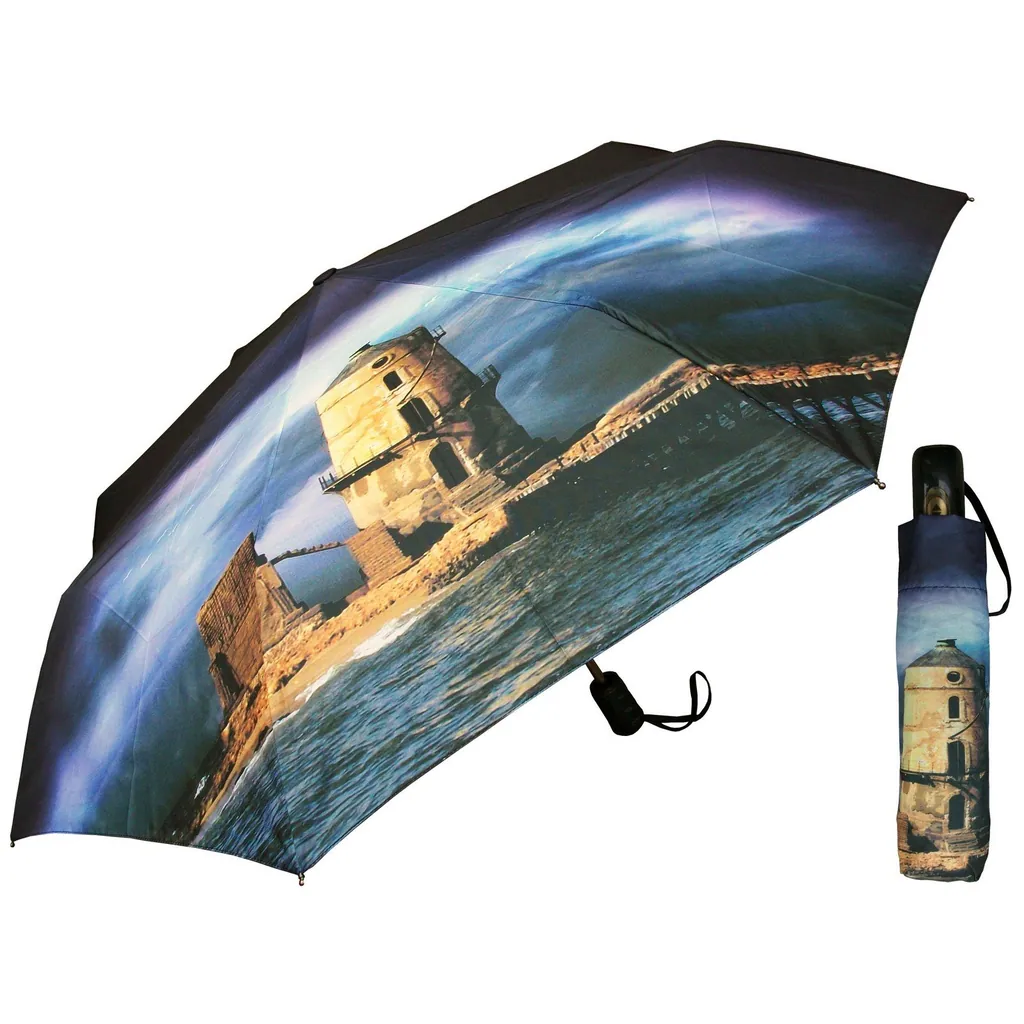
For custom printed umbrellas, screen printing is usually the best value for logos in one to four solid colours, heat-transfer printing handles gradients and detailed multi-colour designs, and digital printing suits photographic or full-canopy artwork and short runs. The right choice depends on your artwork, how much of the canopy you want to cover and how many umbrellas you need.
All three methods are in everyday use in Shaoxing's umbrella factories, and each involves trade-offs in cost, colour and durability. This guide explains how they work and how to choose between them.
How each printing method works
Screen printing
Screen printing, often called silk-screen printing, pushes ink through a fine mesh stencil onto the fabric. Each colour needs its own screen and its own pass, so a three-colour logo is printed three times, with each colour lined up on the one before. Umbrella logos are usually printed on the cut panels or on the sewn canopy before it is fitted to the frame.
Screen ink forms a solid, opaque layer. That gives crisp edges and strong spot colours that can be matched closely to Pantone references, even on dark fabrics when a white base layer is printed first. The weak points are gradients, photographs and very fine detail, which are hard to reproduce with solid ink.
Heat-transfer printing
In heat-transfer printing, the design is first printed onto transfer paper or film and then pressed onto the fabric with heat. Two variants are common:
- Sublimation transfer. Under heat, the dyes turn to gas and bond with polyester fibres, so the print becomes part of the fabric. It keeps the canopy's soft feel and will not crack or peel. It works on polyester fabrics such as pongee and gives the best results on white or light base colours, because the dyes are transparent.
- Film transfers. A printed layer is bonded on top of the fabric. These suit small, detailed, multi-colour logos, but they leave a slightly stiffer patch and should be checked for cracking or lifting where a folding umbrella creases.
Digital printing
Digital printing applies ink directly to the fabric with an inkjet printer, usually on the fabric roll before the panels are cut. There are no screens, so the number of colours makes no difference to setup, and every panel can carry a different image. Photographs, gradients and all-over patterns are all possible.
Results depend on the fabric and the ink system, so ask for a test print on your chosen fabric when colours are critical. Depending on how far the ink penetrates, the design can also look lighter from underneath the canopy.
Screen, heat-transfer and digital printing compared
| Factor | Screen printing | Heat-transfer printing | Digital printing |
|---|---|---|---|
| Best for | Logos and slogans in solid colours | Detailed multi-colour logos; all-over designs on light polyester | Photographs, full-canopy artwork, a different design on each panel |
| Colours | Usually one to four spot colours | Full colour | Full colour |
| Setup | One screen per colour and print position | Transfer paper or film for each design | Minimal; prints straight from the file |
| Cost per umbrella at volume | Lowest for simple logos | Moderate | Higher for simple logos, competitive for complex artwork |
| Short runs | Setup cost is spread over few pieces | Workable | Well suited |
| Dark canopies | Yes, with a white base layer | Sublimation needs a light base fabric | Dark areas are printed as part of the design |
Choosing the right method
Start with your artwork and work outwards:
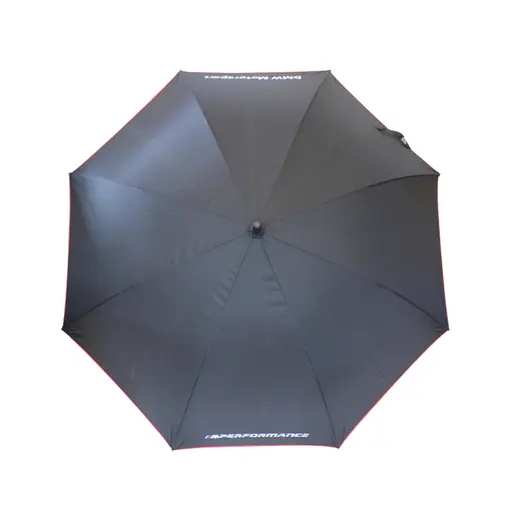
- A one or two-colour logo on one or two panels: screen printing. This is the classic promotional umbrella and the most economical option at volume.
- A logo with gradients, fine detail or many colours: heat transfer, or digital printing if the design covers a large area.
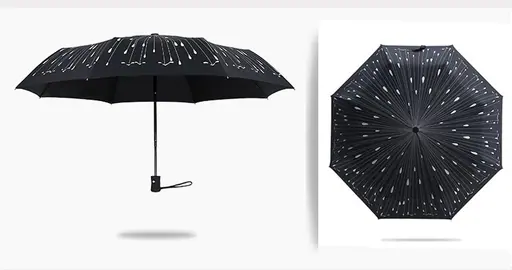
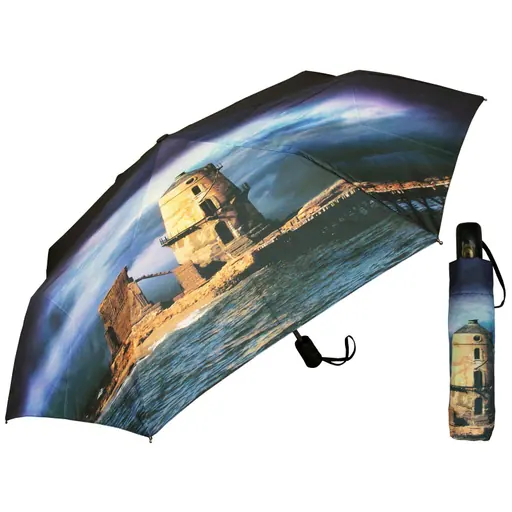
- A photograph, illustration or pattern across the whole canopy: digital printing, or sublimation transfer on a light polyester canopy.
- A different design on each panel, or a short run: digital printing, because there are no screens to pay for.
- A light logo on a dark canopy: screen printing with an opaque white base.
If your design could go either way, ask for quotations on two methods. The cheaper option on paper is not always the better result once you hold a sample.
Print positions and the canopy layout
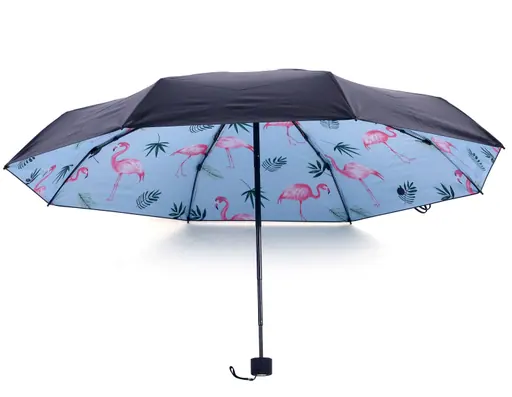
A canopy is made of triangular panels, one between each pair of ribs, and its curve distorts artwork near the top and the edges. Common layouts are one panel, two opposite panels, alternate panels, every panel and full-canopy artwork. Double-canopy and reverse umbrellas can also be printed on the inner layer, which is the side you see from underneath.
- Ask for the panel template for your exact model, and keep important elements inside the safe area, away from the seams and the top.
- Larger canopies have larger panels, so a golf umbrella takes a much bigger logo than a compact folding umbrella. Our guide to golf umbrella sizes explains how canopies are measured.
- For all-over designs, check on the sample how the pattern meets at the seams.
- Transparent POE and PVC canopies can be printed too, and the catalogue includes clear umbrellas printed for promotions. On a clear canopy the design is visible from both sides, so check how it reads from underneath.
What drives the cost of printing
When you compare quotations, make sure every supplier is pricing the same job. These variables move the price most:
- Number of colours: the main cost driver in screen printing, because each colour needs its own screen and its own pass.
- Number of print positions: printing four panels costs more than printing one, whatever the method.
- Print area: full-canopy designs use more ink and more machine time than a single logo.
- Quantity: fixed setup costs are spread across the order, so the unit price falls as the quantity rises.
- Fabric colour: light artwork on a dark canopy may need an extra base layer.
Stating all five in your inquiry makes quotations comparable and avoids surprises at the sample stage.
Artwork and colour matching
- For screen printing, send vector files, such as AI, EPS or PDF with the text converted to outlines.
- For digital and heat-transfer printing, send high-resolution files at the final print size.
- Give Pantone references for brand colours, and remember that the fabric colour affects how the ink looks.
- Approve a digital mock-up first, then a physical sample printed with the production method on the production fabric.
Checking print quality on samples
Before approving, rub the print firmly, fold and unfold a folding umbrella along its creases, and wet the canopy to see how print and fabric behave together. Check that colours sit inside their outlines, that logos are straight and the same size on every printed panel, and that no ink has bled into the surrounding fabric. At Lotus, print accuracy is one of the points checked by random sampling during production, as part of the three-stage inspection described on our quality page.
Some effects go beyond standard printing. The catalogue includes colour-change umbrellas whose print changes colour when the canopy gets wet, such as this all-panel wet-reveal straight umbrella. You can find more printed models among our large straight umbrellas.
Printing at Lotus
Lotus offers silk-screen, heat-transfer and digital printing, from a single logo or slogan to full-canopy artwork, together with custom colours, fabrics, handles and packaging. The in-house design team provides free custom design support, so a rough idea is enough to start with. Read more about our custom umbrella service.
To get a quotation, send your logo, the model you have in mind and an approximate quantity through the inquiry form, and ask for a printed sample before you commit to bulk production.
Questions fréquentes
Which printing method is cheapest for a logo umbrella?
For a simple logo in one or two colours, screen printing usually gives the lowest cost per umbrella once quantities rise. Every extra colour and print position adds a screen, so very colourful designs can work out cheaper in digital or heat-transfer print.
Can a photograph be printed on an umbrella?
Yes. Digital printing and sublimation transfer can both reproduce photographs and gradients, ideally on a white or light polyester canopy. Ask for a test print on the production fabric to check the colours.
What file should I send for umbrella logo printing?
A vector file such as AI, EPS or a PDF with outlined text is best for screen printing. For digital or heat-transfer printing, supply a high-resolution image at the final print size, plus Pantone references for brand colours.
Can the inside of an umbrella be printed?
Yes. On double-canopy and reverse umbrellas the inner layer can carry its own design, visible from underneath. The catalogue includes several reverse and folding models with printed inner canopies.